Be in the lecture.
Get the notes.
Record with permission and turn speech into a transcript. Stay with the explanation, then come back to the details.
Explore lecture notes ↗Meet your AI note taker for studying. Turn lectures, PDFs, and photos into clear notes, flashcards, and quizzes. Then make the knowledge yours.
A little tour of MelonNote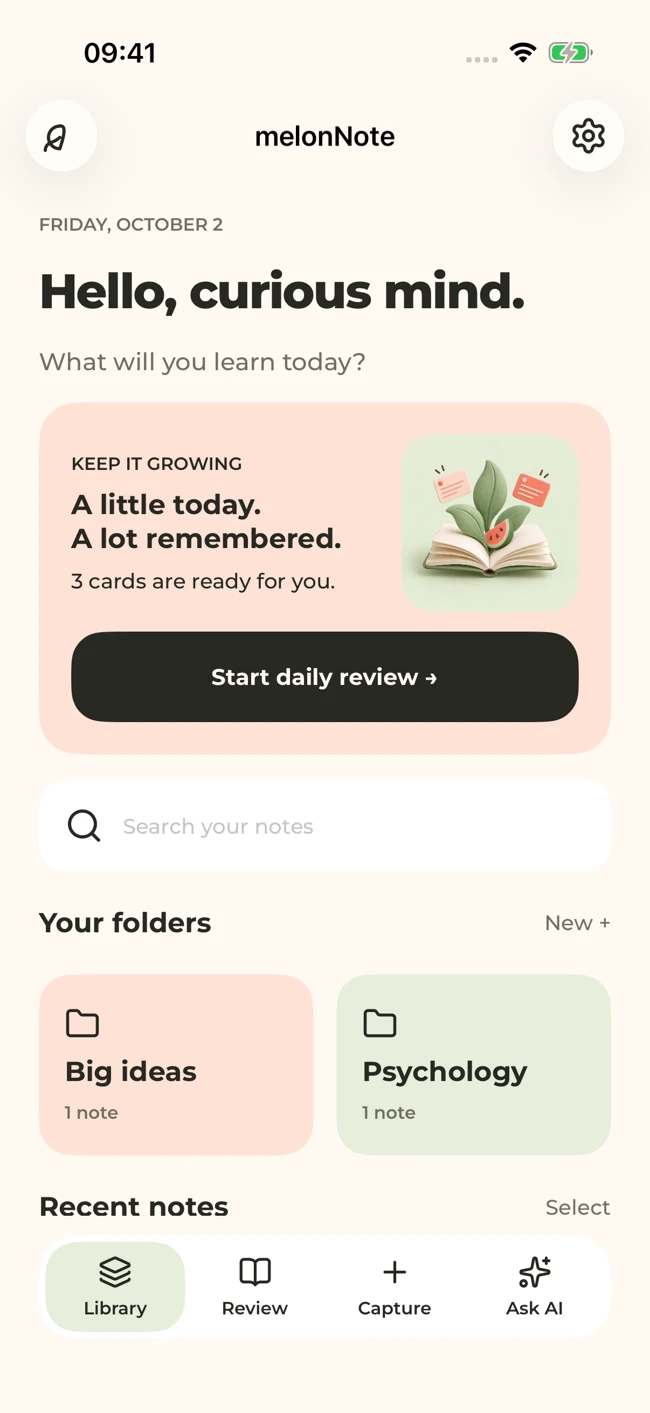
Your notes are the beginning. MelonNote helps you find the important ideas, ask better questions, and practice what you’re learning.
Record with permission and turn speech into a transcript. Stay with the explanation, then come back to the details.
Explore lecture notes ↗Turn your own material into flashcards and quizzes. Answer before you peek, and discover what needs another look.
Meet your study tools ↗Chat with an AI tutor about your notes. Break down a tricky concept, compare ideas, or work through an example.
Get to know your tutor ↗ GOOD NOTES. GREAT POSSIBILITIES.
Record audio, import a PDF, or add a photo. Keep related notes together in a folder.
Review your transcript and summary. Ask the AI tutor to explain the parts that haven’t clicked yet.
Generate flashcards or a quiz. Test yourself, check your source, and return to the ideas you missed.
Your notes, ready for a study session.
Real app screens with sample study content. Screen layouts can differ between iOS and Android.
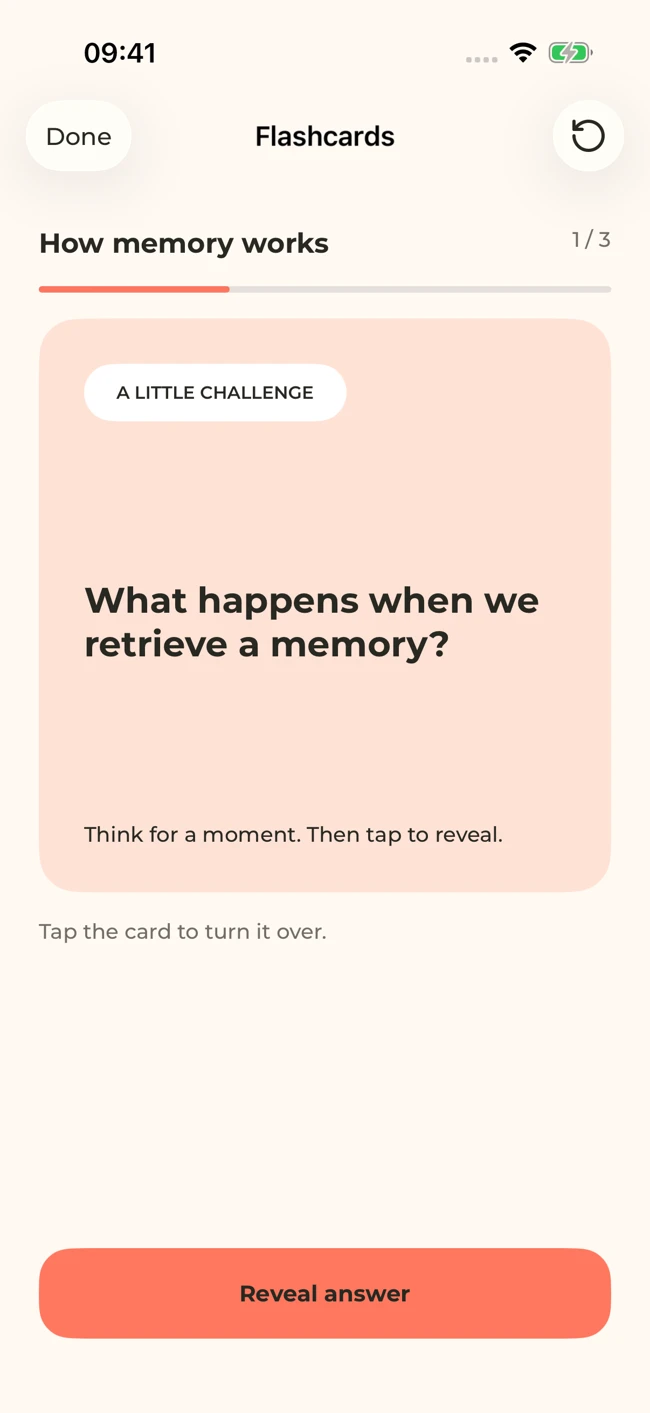
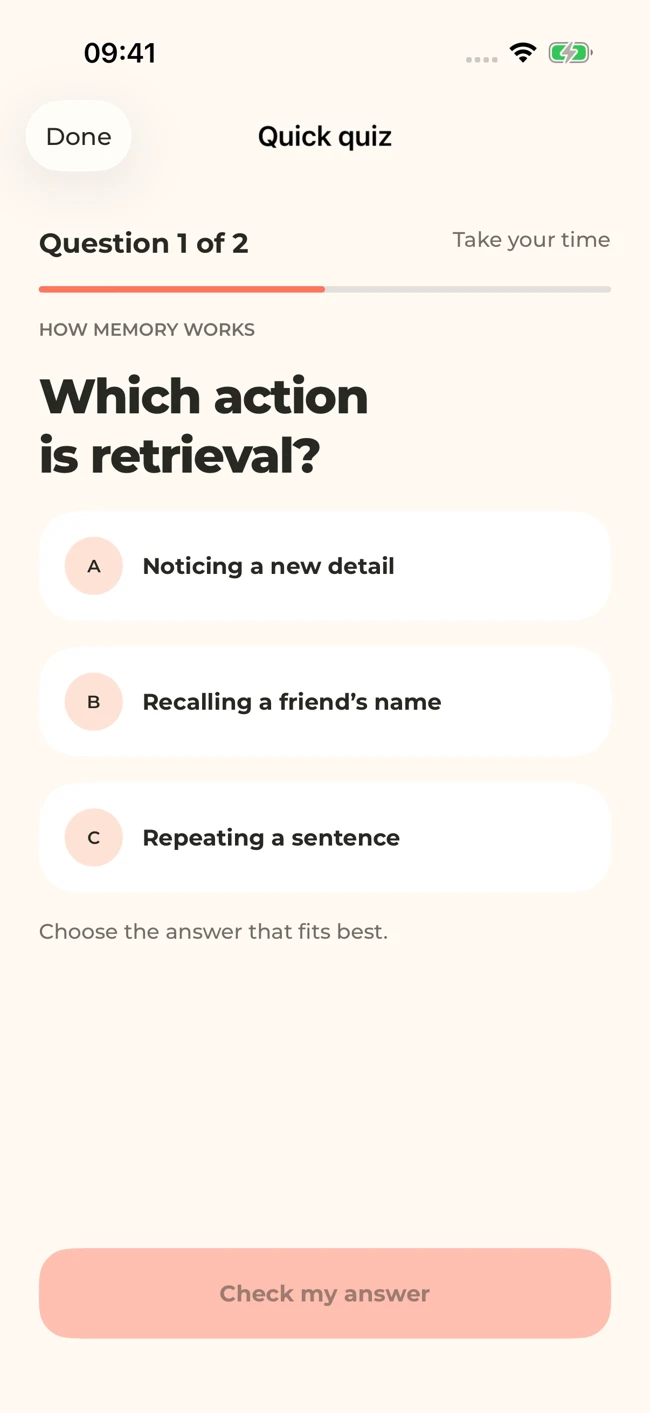
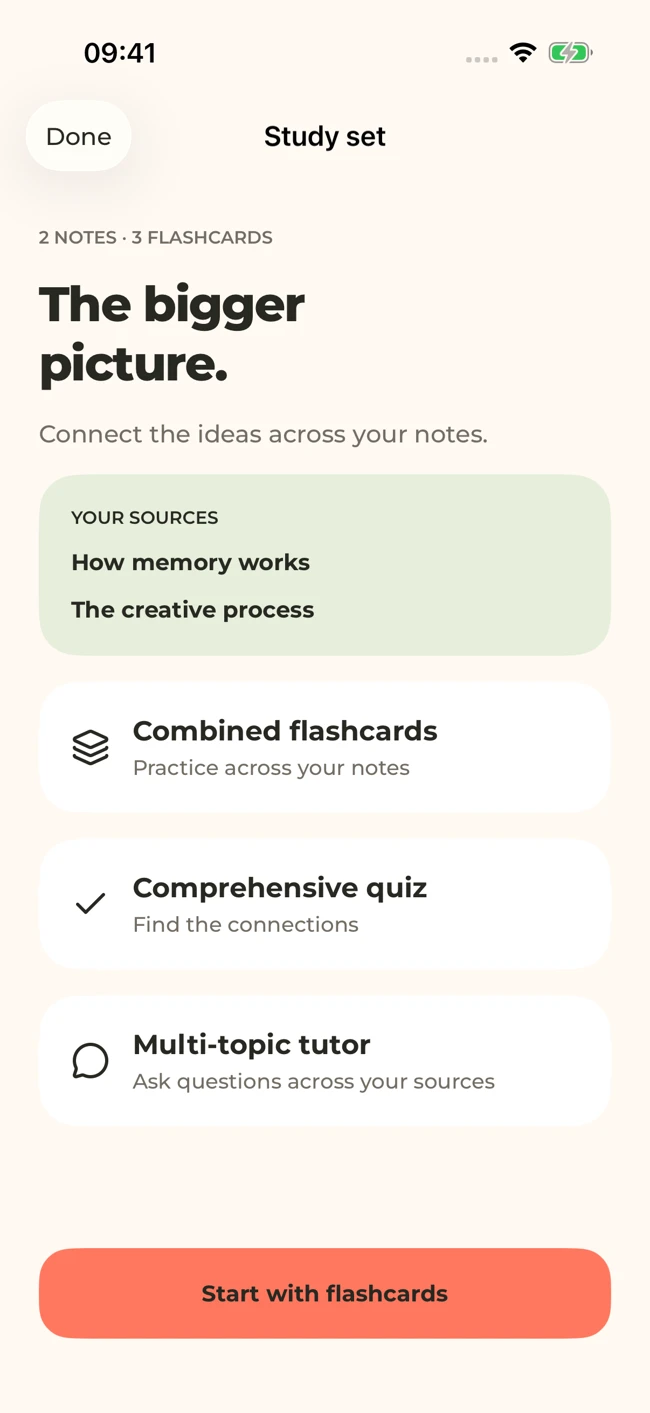
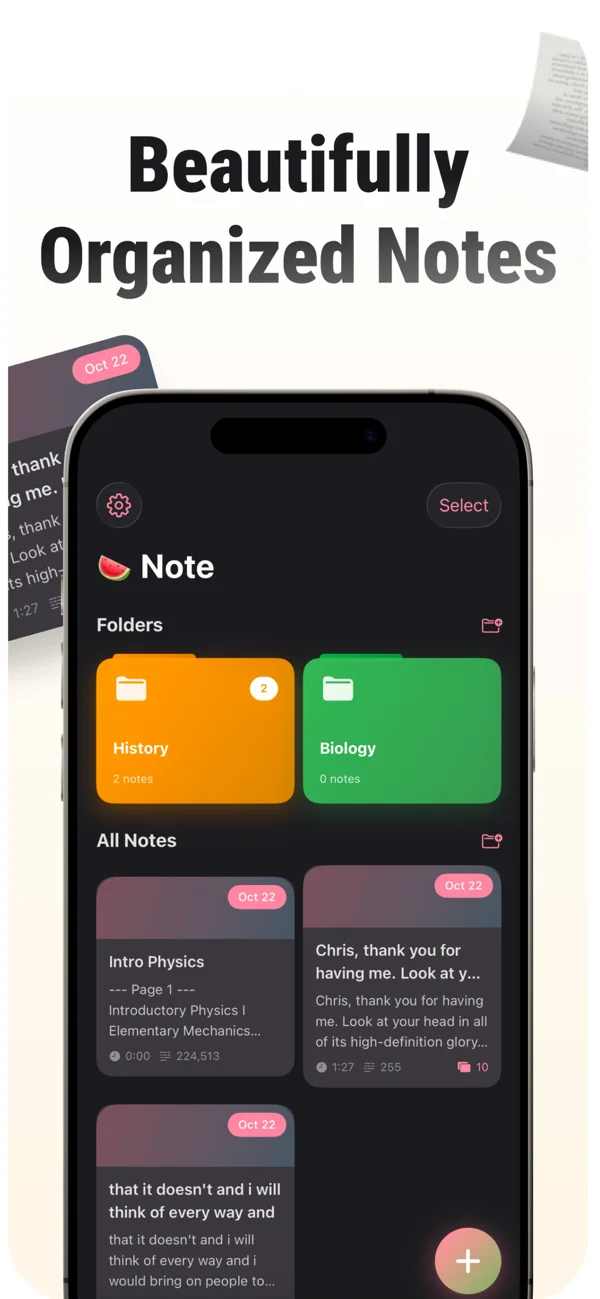
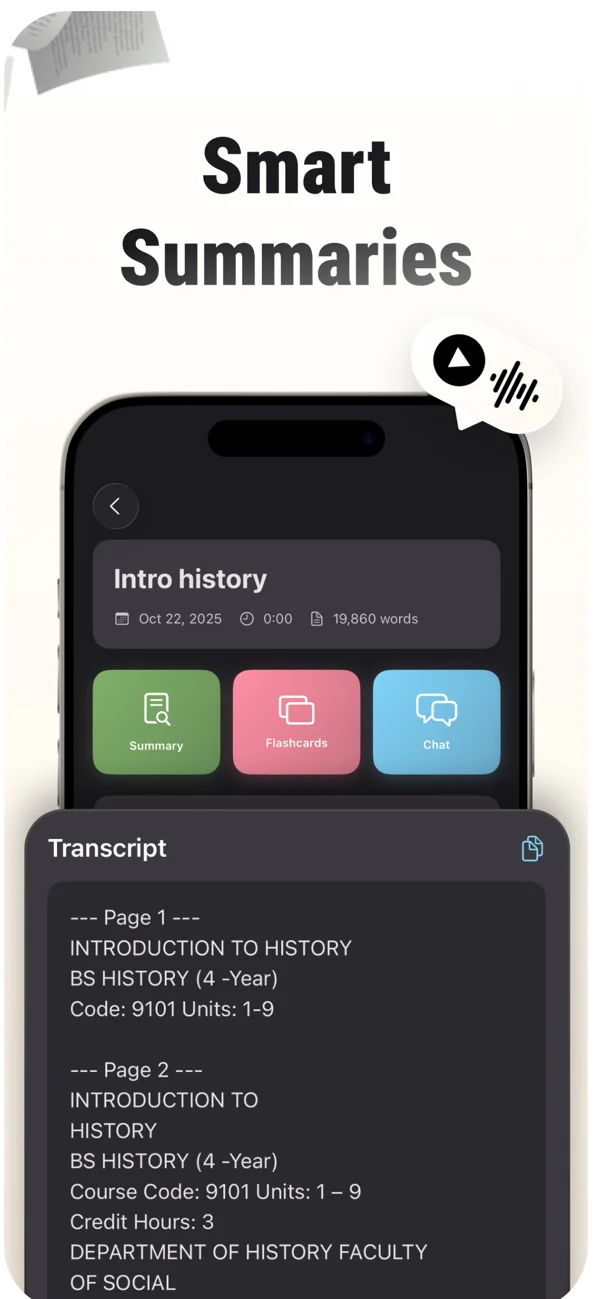
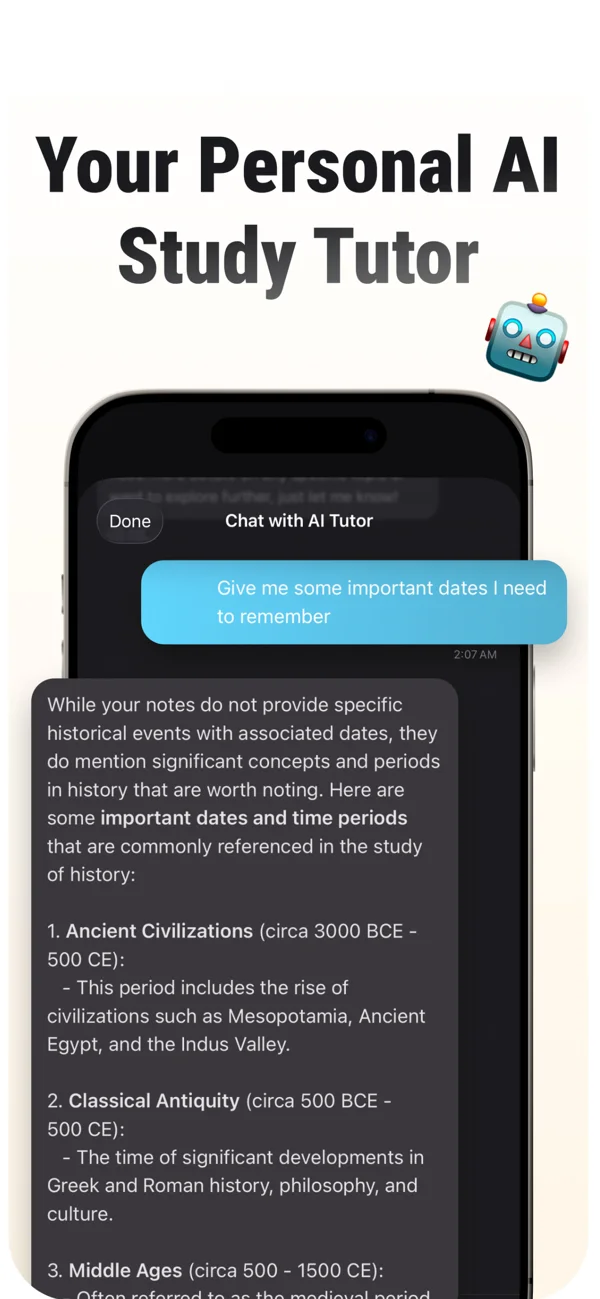
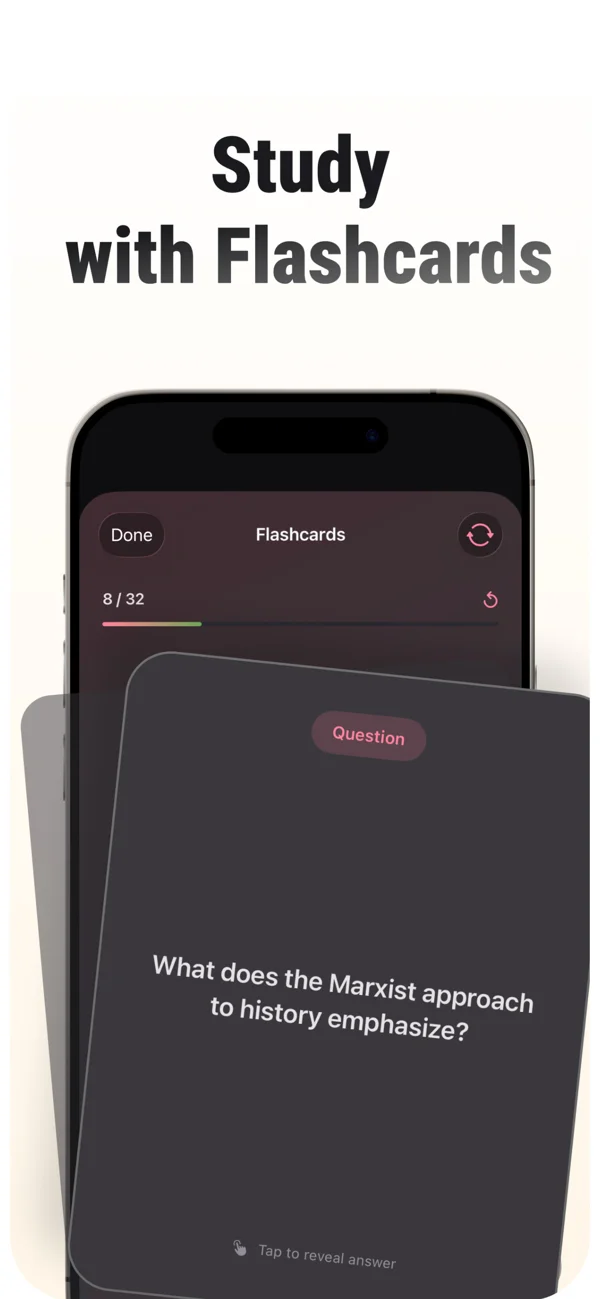
Record lectures, review an AI transcript, and turn class material into study notes, flashcards, and quizzes. Follow the MelonNote lecture workflow.
Read the guideTurn a PDF into flashcards with MelonNote. Learn how to choose a focused section, check extracted text, and practice with questions worth remembering.
Read the guideMake a practice quiz from your notes with MelonNote. Choose the right source, check generated questions, and turn missed answers into a focused review plan.
Read the guideCapture handwritten notes, printed pages, or slides with MelonNote. Check the extracted content, then turn your photos into flashcards and study questions.
Read the guideUse MelonNote’s AI tutor to clarify your notes, compare concepts, and work through examples. Learn how to ask focused questions and verify the answers.
Read the guideBuild a focused study guide from lectures, PDFs, and notes with MelonNote. Connect summaries, flashcards, quizzes, and tutor questions to your learning goals.
Read the guideDownload MelonNote for iPhone or Android and start with one lecture, one PDF, or one page of notes. There’s no need to organize a whole semester before you begin.
Free to download · Premium features available through in-app purchases.
iPhone requires iOS 17 or later. Check your store for device compatibility.
 MELONNOTE
A fresh way
to study.
Move from rereading to answering. Try a practical active recall routine with your notes, worked examples, and a simple way to review what you missed.
Read the storyAsk more useful questions about your notes with eight adaptable AI tutor prompts. Clarify concepts, compare examples, inspect reasoning, and test yourself.
Read the storyEvaluate an AI study app with your own material. Check capture quality, source review, practice tools, platform fit, and purchase terms before committing.
Read the storyFrom your first recording to your next revision session.
Ask us something else ↗It turns material such as a lecture recording or PDF into text and study resources. MelonNote brings summaries, flashcards, quizzes, and AI tutor chat into one mobile app.
Learn moreRecord a lecture with permission, let MelonNote transcribe the audio, then review names and technical terms against the recording. Use the note to generate a summary or study questions.
Learn moreYes. Import a PDF into MelonNote, review the extracted material, and generate flashcards from the note. Start with one topic so the cards stay focused.
Learn moreMelonNote can generate quiz questions from your note content. Answer first, review the feedback, and compare anything uncertain with your original material.
Learn moreYou can capture a photo or choose images from your gallery for AI analysis. Clear, well-lit text works best; check handwriting, diagrams, and numbers carefully.
Learn moreYes. Download it from the App Store or Google Play. The iPhone listing requires iOS 17 or later. Features and screen layouts can differ between platform versions.
Learn more for iPhone ↗ · Learn more for Android ↗Yes. Select related notes to make a combined study set, then use flashcards, quizzes, or tutor chat to connect the ideas across those notes.
Learn moreYes, both stores offer a free download with in-app purchases. Check the app’s current purchase screen for premium features, usage limits, regional prices, and subscription terms.
Learn more for iPhone ↗ · Learn more for Android ↗Bring your notes. We’ll help you turn them into your next study session.
Free to download. In-app purchases available.