
An AI quiz generator is most useful when it asks questions about material you actually need to know. MelonNote can create quiz questions from your notes, so a lecture, a PDF, or a captured page can become a practice session. Choose a focused source, answer without looking, then review the reasoning behind each result.
Treat the quiz as a diagnostic exercise. It can show you where to look next, but it is not an official exam, a grade prediction, or proof that the source material is complete.
Start with the assessment you are preparing for
What will you need to do in class or on the exam: recall definitions, compare theories, interpret a case, or solve a problem? A multiple-choice quiz is a useful component of practice, but it should not be the only component if the final task is an essay or calculation.
Choose one topic with clear boundaries. For example, a history note about the causes of an event can support questions about chronology, competing explanations, and evidence. A random collection of dates from several courses makes it harder to interpret the result.
Before generating anything, read the note and check that it contains the details you expect to be tested on. AI cannot reliably recover missing lecture content simply because the note has the correct title.
Generate a quiz in MelonNote
- Capture or import your source material as a note.
- Check the transcript, extracted text, or summary against the original.
- Open the note’s quiz study tool.
- Generate the questions and begin a practice attempt.
- Review the feedback and revisit the relevant source passages.
Screen labels and access limits can differ between versions. For several related notes, use a combined study set where available; the multi-note study guide explains how to choose material that belongs together.
Do your first attempt without the note open beside you. If you need to look up an answer, record that fact in your own review notes. A looked-up answer and an independently retrieved answer tell you different things.
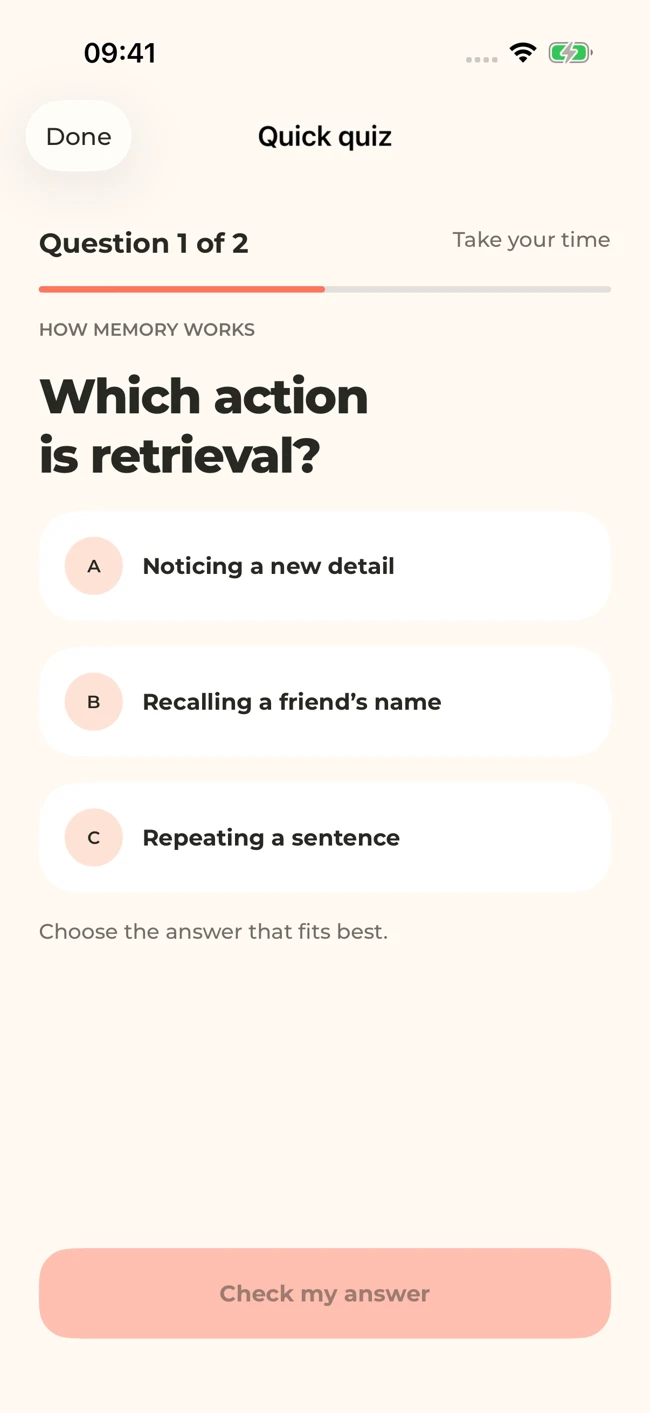
Check whether each question is fair
A generated question can be wrong, ambiguous, or based on an unimportant detail. Read the full wording before treating an incorrect response as a gap in your understanding.
Ask three questions: Is there one defensible answer? Does the source support that answer? Are the alternatives different enough to be meaningful? A question such as “Which theory is best?” is hard to assess without a stated criterion. A question such as “Which theory in these notes explains this example through reinforcement?” has a clearer target.
If two answers could both be correct, return to the source or ask your teacher. Do not train yourself to guess the generator’s preference. Keep a short list of disputed questions separately from genuinely missed concepts.
Review the answer, not just the score
For each missed item, classify what happened. Did you forget a fact? Misread a negative? Confuse similar ideas? Apply a rule outside its stated conditions? Or encounter a flawed question?
These categories lead to different next steps. A forgotten term may need a flashcard. A confused comparison may need a two-column explanation. An application mistake may need a new worked example.
Try writing one sentence after each important mistake:
I chose the answer about reinforcement because I overlooked the part of the example describing observation. Next time I will identify the mechanism before choosing a label.
This tells you what to do differently. “Study more” does not.
Ask the tutor a focused follow-up
You can use MelonNote’s AI tutor to examine the idea behind a question. Include the concept, your current understanding, and the point of confusion.
An illustrative prompt is: “These notes distinguish two explanations. I understand the first one as X, but I cannot see why the example belongs to the second. Compare the mechanisms using only the information in this note.”
Check the response against the source. If the tutor introduces an unfamiliar claim, treat it as something to verify rather than something the note necessarily established. The purpose is to clarify your reasoning, not to outsource the decision about truth.
Build the next session from the result
Choose a small number of important gaps. Revisit the source, explain the ideas in your own words, and test them again later. Avoid immediately repeating the same questions until the answers feel familiar; recognition of the wording can hide weak understanding.
Change the task when possible. If a quiz asked you to recognize a definition, try producing that definition without options. If it asked you to identify an example, invent a different example and explain why it fits.
Our multiple-choice review article shows how to turn a quiz into a useful error log. The closed-book practice routine helps when you want a stronger check than recognition alone.
Check generated material against your original notes. App features, access limits, and screen labels can vary by platform and version.
Put this into practice.
Start with one useful note in MelonNote. Turn it into questions you can answer, ideas you can explain, and a reason to come back tomorrow.
Free download. In-app purchases available.