
The outline note-taking method organizes a lecture into main topics, subtopics and supporting details. Indentation carries meaning: a detail belongs under the idea it explains. A useful outline makes that relationship visible without turning every spoken sentence into a bullet.
The method is one of the formats covered in BCIT's note-taking guidance. Here, we will build an original example, repair a misleading hierarchy and turn the result into review questions. You can copy the plain-text outline template into your own note editor.
What goes on each level?
Use a small number of levels consistently:
| Level | Job | Example |
|---|---|---|
| I, II, III | Main topic or stage | Draft the questions |
| A, B, C | Distinct subtopic | Check wording |
| 1, 2, 3 | Supporting detail, example or condition | Separate two questions joined by “and” |
| a, b, c | An extra distinction, only if needed | Ask about speed and reliability separately |
You can use bullets instead of letters and numbers. What matters is a stable hierarchy. If you need six levels to preserve a paragraph, the topic may need a separate page or a clearer title.
A short lecture excerpt
This is an original editorial example about preparing a student questionnaire. It is a teaching exercise, not a real research protocol:
Start by deciding what information the questionnaire needs. A question about use is different from a question about satisfaction. Next, draft the items. Keep each item focused: “Was the booking system fast and reliable?” combines two judgments. Ask about them separately. Make response options fit the question. If asking which service was used, include the relevant choices and a way to indicate none. Before distributing the questionnaire, try it with a few people and ask what they thought each item meant. Use that feedback to revise unclear wording; this small check does not establish that the questionnaire is valid for every purpose.
The passage has three stages: defining the information need, drafting items and checking interpretation. “Speed” and “reliability” are examples within the drafting stage, not separate stages of the whole process.
The completed outline
Topic: Preparing a student questionnaire

I. Decide what information is needed
   A. Distinguish question purposes
      1. Use: which service someone used
      2. Satisfaction: how they judged an experience

II. Draft the items
    A. Keep one judgment per item
       1. Weak: Was the system fast and reliable?
       2. Split speed and reliability into separate items
    B. Match response options to the question
       1. Include relevant service choices
       2. Allow a response indicating none, where relevant

III. Check interpretation before distribution
     A. Ask a few people to try the draft
        1. Ask what they thought each item meant
     B. Revise unclear wording
        1. Limit: this small check does not establish
           validity for every purpose
Notice the qualification at the end. A summary that kept only “test with a few people” could invite a stronger conclusion than the excerpt supports. Necessary limits belong in the outline even when they interrupt a neat sequence.
Repair a misleading hierarchy
Here is a deliberately flawed version:
I. Use of the booking system
   A. Speed
   B. Reliability
   C. Testing proves the questionnaire is valid
It creates three problems. It turns examples of satisfaction judgments into categories of use, drops the drafting process, and replaces a limitation with an unsupported claim.
Repair it by asking what relationship each indentation expresses. Does this point exemplify the parent? Support it? Describe a step inside it? If none of those relationships fits, move the point or change the heading. A short line is not automatically a correct summary.
How to outline during a fast lecture
Start with the lecturer's visible headings if they are useful, but leave space for a new section. Capture a short label and the reason it matters. When the lecture jumps back to an earlier topic, mark the connection instead of forcing it under the current heading.
Use a consistent marker for uncertainty, such as “CHECK: does this condition apply to all cases?” Do not silently turn an uncertain phrase into a definite statement during cleanup. If recording is permitted, note where to replay the explanation later. The fast-lecture guide covers deciding what to capture in the moment.
After class, reorganize only enough to make the relationships clear. Rewriting every sentence beautifully can consume the review session without testing whether you understand the outline.
Use the Outline format in MelonNote on iPhone
Create a note from a permitted recording or supported source, then inspect the extracted text. In the iPhone note's summary controls, open Summary format, choose Outline, and create the summary. The app also offers a summary-generation entry point when a note does not yet have a summary. Labels can vary by release.
Outline is documented in the iOS release history. This tutorial is scoped to that iPhone format; it does not assume the same selector appears in every Android version. You can always use the manual template with your checked source.
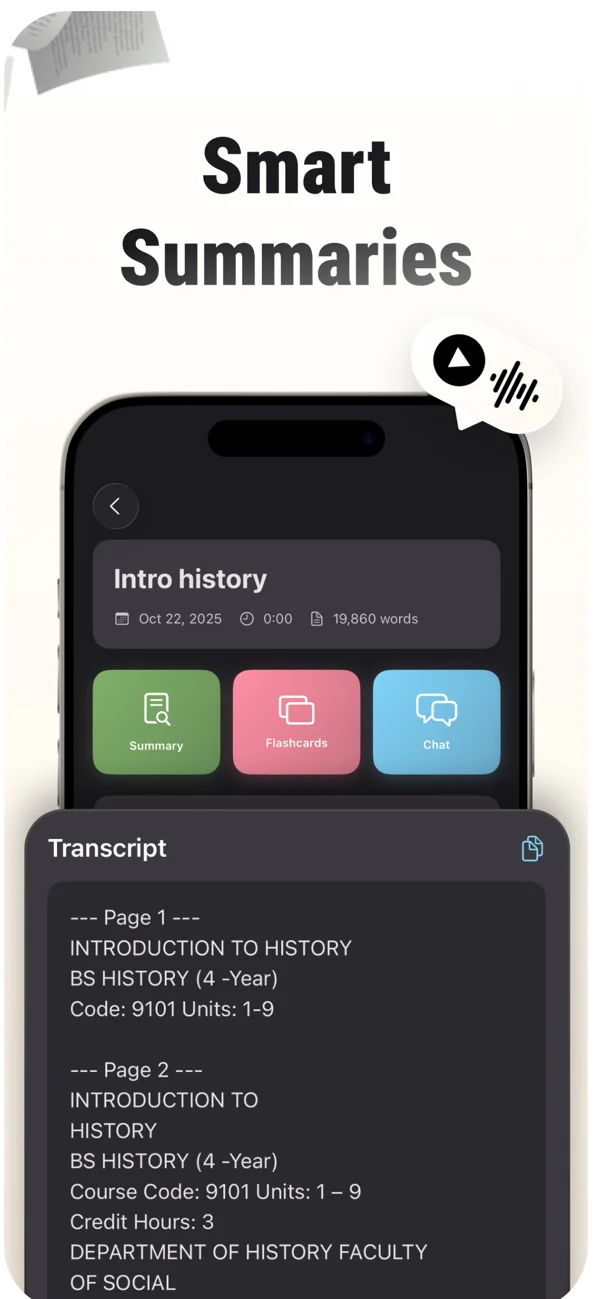
An App Store screenshot showing a note and its study tools. Keep the original source available while reviewing summaries, cards and tutor explanations.
iPhone and Android · Features and screen layouts may differ.Compare the generated structure with the excerpt or PDF. Check especially where examples, exceptions and conclusions were placed. If a heading groups unrelated details, keep a corrected outline in your own editor and use that correction when studying. The audio-to-text guide covers the earlier source-review step.
Give your lecture note a clear structure.
Start with a checked note in MelonNote. On iPhone, try the Outline summary format, then compare the hierarchy with your original material.
Free download. In-app purchases available.
Turn the outline into a review exercise
Hide the supporting details and try explaining each main heading. For this example:
- How does deciding the information need affect the question you write?
- What is wrong with asking about speed and reliability in one item?
- What can the small interpretation check help you notice, and what does it not establish?
Then reverse the exercise: read a detail and name its parent idea. If “include a none response” ends up under “satisfaction,” revisit the source and explain which question it was attached to. This checks the structure rather than only your ability to recite a list.
When should you choose another format?
An outline is useful for nested topics and staged arguments. A comparison across several options may be clearer as a table. A circuit, anatomical pathway or spatial arrangement often needs a diagram. A lecture that repeatedly links themes across categories may benefit from a mind map alongside its outline.
Choose Cornell notes when you want a visible cue column next to the main notes. Cornell describes a page layout and review routine; outlining describes a hierarchy. You can use an outline inside the notes area of a Cornell page.
Common questions
How detailed should an outline be?
Include enough detail to reconstruct the important explanation and its limits. Keep examples that distinguish similar concepts. Remove repetition only when doing so does not erase a qualification or a step in the reasoning.
Do I need Roman numerals?
No. They can make levels easy to distinguish, but consistent indentation and clear parent-child relationships are more important. Use a format you can maintain while listening.
Can an AI outline replace the original lecture note?
Keep the original available. The outline is a structured representation that can omit or misplace information. Check it, then practice from it; do not treat its tidy appearance as evidence that every relationship is correct.
Check generated material against your original notes. App features, access limits, and screen labels can vary by platform and version.
Give your lecture note a clear structure.
Start with a checked note in MelonNote. On iPhone, try the Outline summary format, then compare the hierarchy with your original material.
Free download. In-app purchases available.