
Taking notes in fast lectures becomes more manageable when you stop trying to write every sentence. Prepare a short outline, capture the argument and examples, mark gaps clearly, and resolve those gaps afterward. If recording and AI processing are permitted, MelonNote can give you an additional source for that review.
The goal during class is to keep listening while leaving enough clues for your future self. A nearly complete transcript is not useful if producing it means you miss the explanation.
Before class, build a small map
Open the available slides, reading instructions or learning objectives. Create three to six headings rather than copying the entire presentation. Under each heading, leave space for an example, a question and a correction.
For a lecture on research surveys, your outline might be:
- What population are we trying to describe?
- How are participants selected?
- What can the responses support?
- What limitations remain?
You now have places to put information as it arrives. When the lecturer changes topic, the outline also helps you recognize that change. If no materials are available beforehand, start with the lecture title and add headings as the argument develops.
Use a shorthand you can still read tomorrow
Choose a few familiar symbols rather than learning a new notation during class. A question mark can flag an uncertainty. An arrow can mark a relationship, provided you write what kind of relationship it is. “Ex” can introduce an example; “check” can identify a source gap.
Keep technical terms and negatives intact. Saving two seconds by removing “not” can reverse a claim. Similarly, “A → B” is too vague if you cannot remember whether A causes B, precedes B or merely predicts it.
The Open University's note-taking guidance addresses the difficulty of following speech while writing. Use your shorthand to support listening, and adjust it when your later notes become difficult to interpret.
A realistic fast-lecture example
Imagine the lecturer says: “If we want to describe all first-year students but recruit only through one sports club, we need to consider who is missing. Increasing the number of volunteers from that same club does not automatically make the sample representative.”
You do not need to copy that sentence. These original example notes retain its useful structure:
Target = all first years
Recruitment = one sports club, volunteers
Problem = who is missing? Non-members + non-responders
More replies from same route ≠ automatically representative
Check: how would recruitment change the claim?
The notes preserve the target group, recruitment route, limitation and next question. They omit conversational phrasing. After class, you can use them to reconstruct the idea in your own words.
Compare that with “sports club survey = bad.” The shorter note loses the reasoning and turns a conditional concern into a blanket verdict. Fast notes should be selective, not careless.
When you fall behind, mark the gap and rejoin
If you spend several minutes completing an earlier sentence, you may miss the next explanation too. Leave a specific marker such as “CHECK: reason for second step, slide 12” and return to listening.
Keep a gap log with three fields:
| Where | What is missing | Where to check |
|---|---|---|
| Slide 12 | Why a larger sample does not fix this recruitment route | Lecture recording or course text |
| Worked example 2 | Meaning of one abbreviation | Ask the lecturer or tutor |
| Closing summary | Which comparison matters for the assignment | Assessment instructions |
You can copy the lecture gap-log template. A good marker gives your future review a specific job. “Don't understand anything” does not tell you where to start.
Use recording as a supporting source
Check your institution's and lecturer's rules before recording or sending class material for AI processing. If allowed, make a short test recording, check the microphone position and confirm that the session saves correctly. Our clear lecture recording checklist covers these practical details.
In MelonNote, record the lecture, let the app process the audio, and compare the resulting note with your outline. Search or review the relevant section to resolve a marked gap. Check names, numbers and technical terms against the source.
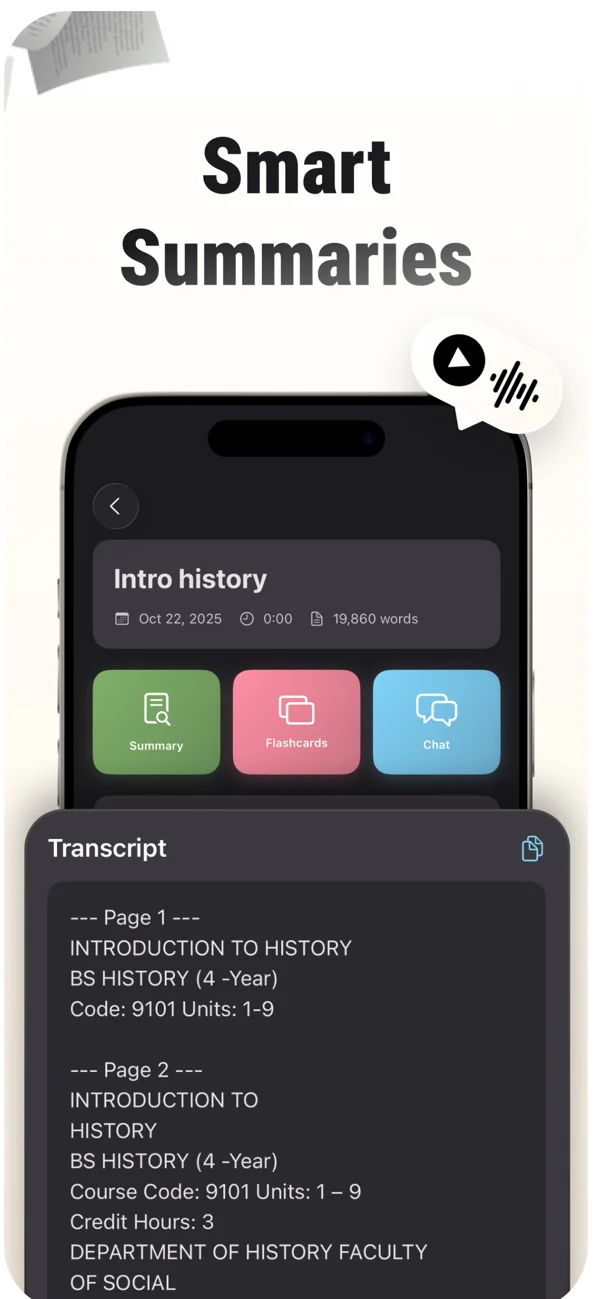
An App Store screenshot showing a note and its study tools. Keep the original source available while reviewing summaries, cards and tutor explanations.
iPhone and Android · Features and screen layouts may differ.Avoid replaying the whole lecture automatically. Begin with the gaps that matter to the learning objective. The lecture recording guide walks through the capture-to-study workflow.
Give yourself a source to return to.
When recording is permitted, use MelonNote to capture the lecture and create notes you can check after class.
Free download. In-app purchases available.
If recording is not available
Use the provided slides and assigned reading, compare notes with a classmate where permitted, or bring a precise question to office hours. If the pace consistently prevents you from accessing the material, contact the institution's learning-support service about available arrangements.
AI cannot reconstruct an explanation that is absent from all your sources. If a generated answer fills a gap, label it as something to verify rather than silently treating it as what the lecturer said.
Finish with one small review task
After class, choose one gap, resolve it and write a question that tests the repaired understanding. In the survey example: “Why does recruiting more members of the same club not automatically solve the representation problem?”
Answer without looking, check your explanation and save the next unresolved question. You can use Cornell-style cues to organize this step, or follow the after-lecture review routine.
Your notes do not need to look polished that evening. They need to preserve the lecture's main reasoning, show what remains uncertain and make the next study session easy to begin.
Check generated material against your original notes. App features, access limits, and screen labels can vary by platform and version.
Give yourself a source to return to.
When recording is permitted, use MelonNote to capture the lecture and create notes you can check after class.
Free download. In-app purchases available.